How it works
From scattered data to one source of truth
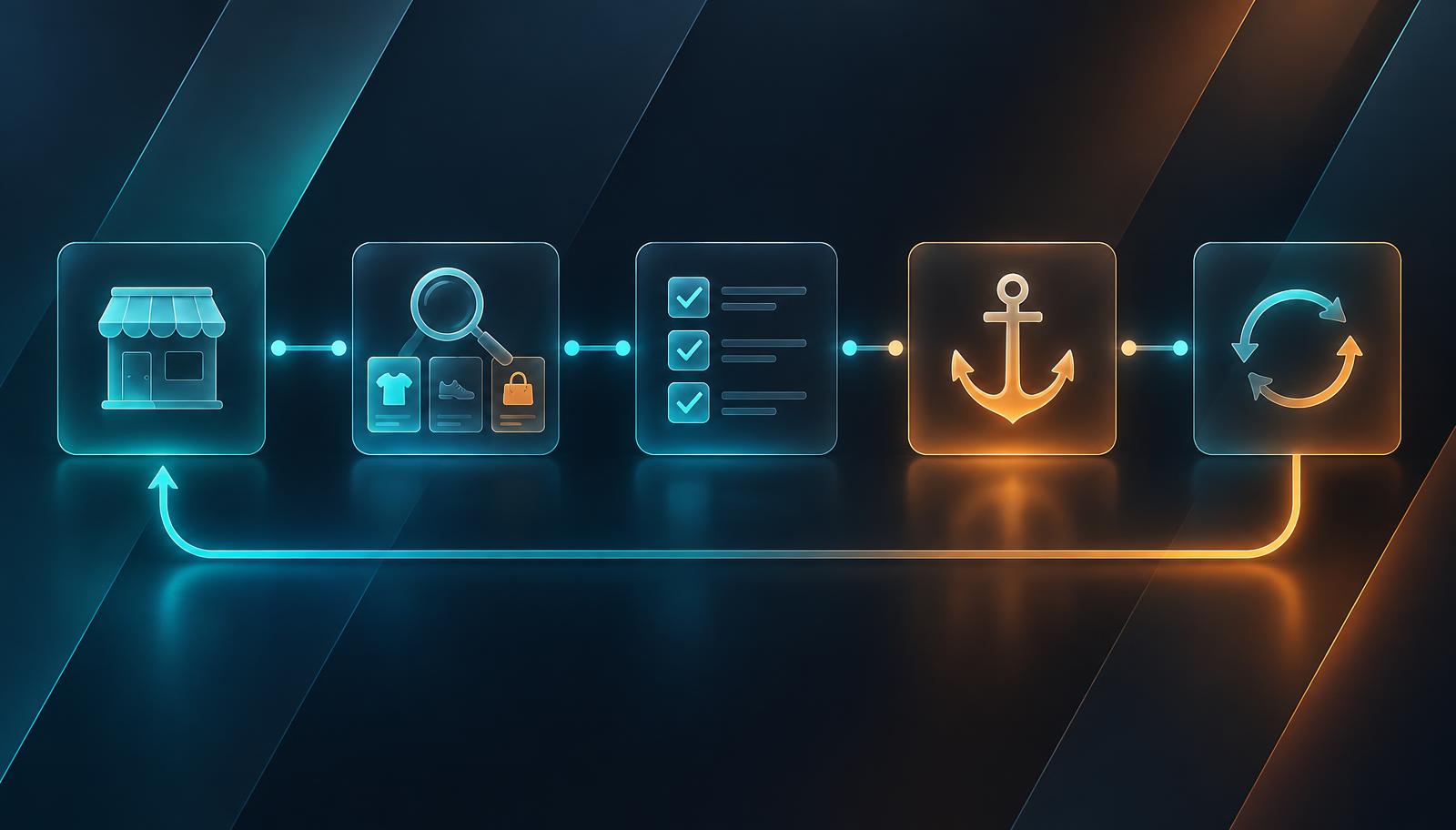
Anchora keeps your catalogue in one place. Your store receives the changes you approve.
- 1
Create your organisation
Sign up, set your currency and timezone, and switch on two-factor sign-in. Invite your team with the right role.
- 2
Connect your store
Add your WooCommerce address and API keys. Anchora tests the connection and checks your store's currency.
- 3
Scan and map
Anchora reads your categories, tags, attributes, products, variations and custom fields, then helps you map each field.
- 4
Validate and import
Every item is checked first. Problems are explained in plain language, and many are fixed automatically. Then import with one click.
- 5
Edit in Anchora
From now on, make changes in Anchora: one product at a time or in bulk. Every change is recorded.
- 6
Check and sync
Pending changes lists what's different. Run a website check, make your choices, and sync to your store.